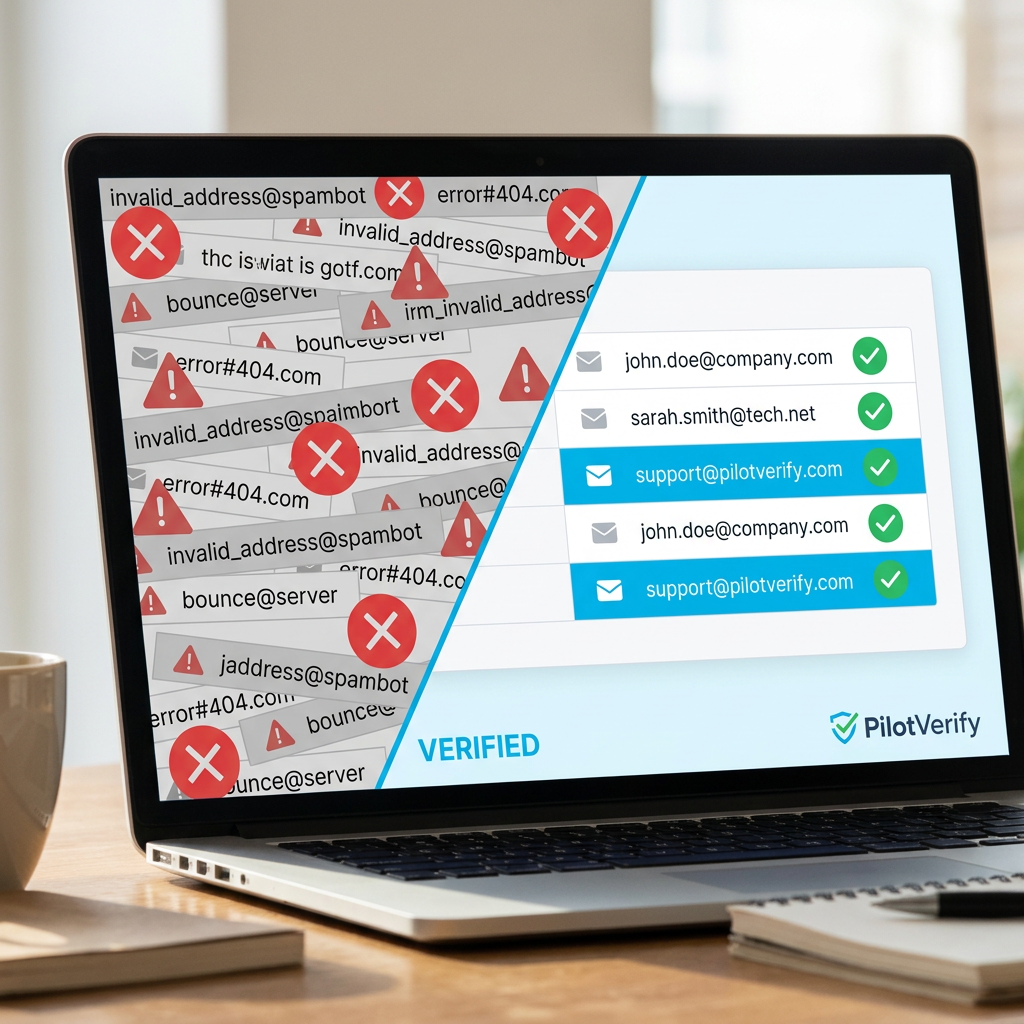
Email Verifier API vs. Manual Verification: What's Actually Worth Your Time?
Manual email verification doesn't scale. Here's an honest breakdown of every manual method teams actually use, what each one misses, and why an email verifier API wins on every dimension that matters.
Every team dealing with bad email data faces the same crossroads: deal with it manually, or automate it properly. For small lists, manual verification feels manageable. For anything beyond a few hundred addresses — or any list that needs ongoing hygiene — manual methods collapse under their own limitations.
The question isn't really "API vs. manual." The question is whether you want a solution that actually works at the scale and accuracy your email program requires, or whether you want to keep spending time on a process that can't keep up with the problem it's trying to solve.
This guide breaks down every manual verification method that teams actually use, what each one catches (and what it misses), and how an email verifier API compares on every dimension that matters — speed, accuracy, scalability, and total cost. By the end, you'll have a clear picture of what's actually worth your time.
SMTP verification — the check that confirms a specific mailbox exists — is physically impossible to perform manually at scale. It requires direct server connections that only an email verifier API can execute reliably.
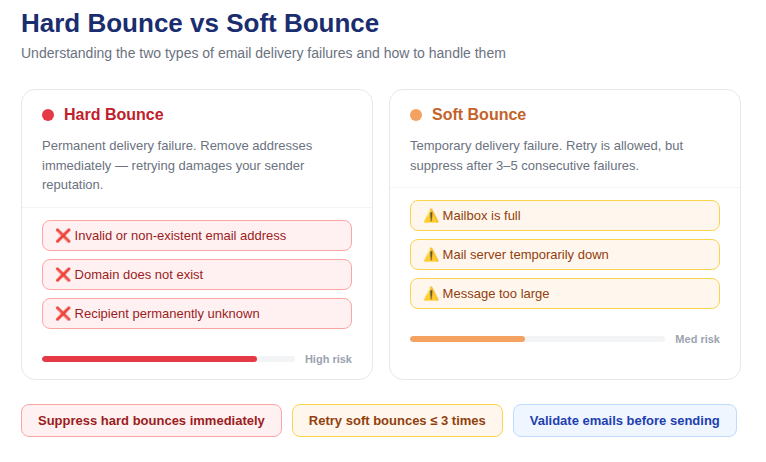
📷 Side-by-side comparison: manual email verification workflow vs. automated email verifier API pipeline
What Manual Email Verification Actually Looks Like
Let's be specific about what "manual verification" means in practice — because it covers a wide range of approaches, each with its own limitations.
Method 1: Visual Inspection
Scrolling through a list and eyeballing addresses for obvious errors — missing @, clearly misspelled domains, duplicate entries. This catches only the most egregious formatting problems and is entirely impractical at any scale beyond a few dozen addresses. It catches perhaps 5–10% of what an automated syntax validator would catch, while missing every class of problem that requires technical verification.
Method 2: Sending a Test Email
Sending an email to an address and seeing if it bounces. This is genuinely the most common "manual" method in use — and it has several serious problems. First, it consumes your sending credits and contributes bounce signals to your sender reputation even for the purpose of checking. Second, it cannot reliably distinguish between a valid address and a catch-all domain that accepts everything. Third, it cannot verify addresses before they enter your database — only after you've already sent to them. Fourth, it doesn't scale beyond individual address checking.
Method 3: Regex Pattern Matching
Writing a regular expression to validate email format on a signup form or during a data import. This is a developer's manual approach and it has a fundamental limitation: regex can confirm that an address looks like a valid email address. It cannot confirm that the address actually works. user@totallyrealdomain.com passes regex. If totallyrealdomain.com has no MX records and the mailbox doesn't exist, it will hard-bounce every time — and regex will never know the difference.
Method 4: Domain Lookup
Manually checking whether a domain has valid MX records using a tool like MXToolbox. This is more thorough than regex — it catches dead domains — but it's one check at a time, not scalable to any meaningful list size, and still misses the most important verification layer: whether the specific mailbox exists on a valid domain.
Method 5: Spreadsheet-Based Cleaning
Using Excel or Google Sheets formulas to identify duplicates, obvious formatting errors, and domain anomalies. Useful for basic data cleaning, completely ineffective for deliverability-focused verification. No spreadsheet formula can perform SMTP mailbox verification or disposable email detection.
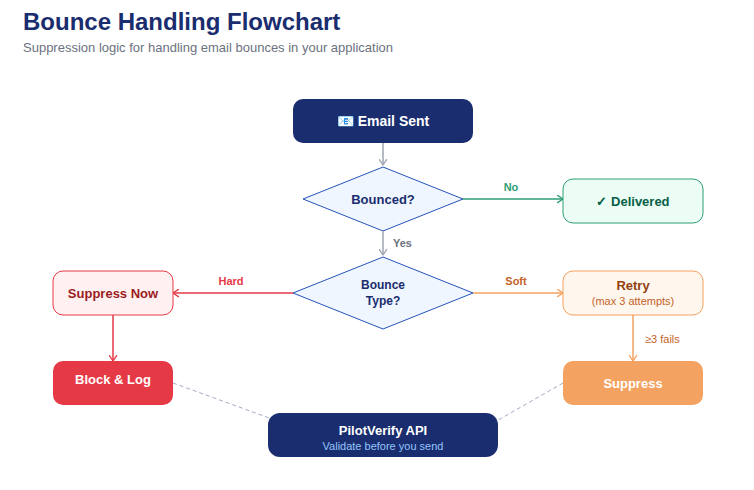
📷 What manual methods catch vs. what they miss — the verification gap that only an email verifier API can close
The Verification Gap: What Manual Methods Can't Catch
The most valuable — and most common — classes of invalid email address are the ones that manual verification methods simply cannot detect:
Non-Existent Mailboxes on Valid Domains
This is the largest category of invalid addresses in most production email lists. The domain is real. The MX records are active. The address format is syntactically correct. But the specific mailbox — former.employee@realcompany.com, for instance — was deleted when the person left the organization. Every manual method except sending a test email (which has its own problems) will classify this address as valid. An email verifier API with SMTP verification will catch it.
Disposable Email Addresses
Disposable addresses look like real addresses. Unless you happen to recognize the provider domain (mailinator.com is well-known, but there are hundreds of others), manual inspection won't flag them. An email verifier API maintains a continuously updated database of thousands of known disposable email providers and cross-references every address against it automatically.
Catch-All Domains
A catch-all domain accepts every email at the SMTP level — even for mailboxes that don't exist. If you send a test email to verify an address on a catch-all domain, it won't bounce, even if the mailbox is completely fictitious. This makes catch-all domains one of the hardest problems to diagnose manually. An email verifier API specifically probes for catch-all behavior and flags these addresses separately so you can make an informed decision.
Scale-Dependent Problems
Even the manual methods that work in principle — domain lookup, test sends — don't scale. Manually checking MX records for 10,000 addresses is not a viable workflow. Running test sends to verify 50,000 addresses would take weeks and burn significant sending credits while damaging your sender reputation in the process. An email verifier API processes lists of any size in minutes, automatically.
How an Email Verifier API Works
An email verifier API replaces every manual method with a single automated call that runs all verification layers simultaneously — faster and more accurately than any combination of manual approaches.
The verification stack that the PilotVerify email verifier API runs on every request:
· Syntax validation — RFC 5322 format check including Unicode domain support. Faster and more thorough than any regex pattern.
· MX/DNS record lookup — confirms the domain has active mail exchange records. Equivalent to a manual MXToolbox check, but automated and parallelized across your entire list.
· Disposable email detection — cross-references against a continuously updated database of thousands of throwaway email providers. Impossible to replicate manually.
· SMTP mailbox verification — directly connects to the recipient's mail server and probes whether the specific mailbox exists, without sending an actual email. The most powerful check, and the one that is categorically impossible to perform manually at scale.
· Catch-all detection — identifies domains configured to accept all addresses, flagging them for special handling rather than treating them as confirmed valid.
A single API call runs all five layers and returns a structured JSON response in under 100ms. For bulk lists, the batch endpoint processes up to 1,000 addresses per request. The entire verification workflow that would take a team weeks to approximate manually completes in minutes.
Direct Comparison: Email Verifier API vs. Every Manual Method
Here is a head-to-head comparison across the checks that actually matter for email deliverability:
Syntax validation:
· Manual (regex): Catches basic format errors. Misses valid-looking but incorrect addresses.
· Email verifier API: Full RFC 5322 compliance check including Unicode. More accurate, zero manual effort.
Domain / MX record check:
· Manual (MXToolbox): Accurate for one address at a time. Completely impractical at list scale.
· Email verifier API: Automated for every address in your list simultaneously. Same accuracy, no time cost.
Disposable email detection:
· Manual: Only catches providers you personally recognize. Misses hundreds of obscure services.
· Email verifier API: Catches all known disposable providers via continuously updated database.
SMTP mailbox verification:
· Manual: Impossible at scale without sending actual emails (which burns credits and reputation).
· Email verifier API: Automated SMTP probe on every address, no sending required, no reputation impact.
Catch-all detection:
· Manual: Cannot detect reliably. Test sends appear to succeed even for non-existent mailboxes.
· Email verifier API: Specifically probes for catch-all behavior and flags separately.
Scalability:
· Manual: Degrades sharply beyond a few hundred addresses. Completely impractical for lists of 10,000+.
· Email verifier API: Processes 100,000+ addresses in minutes via bulk endpoint or CSV upload.
Ongoing hygiene:
· Manual: Requires repeated manual effort for every new import, every campaign, every verification cycle.
· Email verifier API: Integrated once at point-of-capture; runs automatically on every new address submitted.
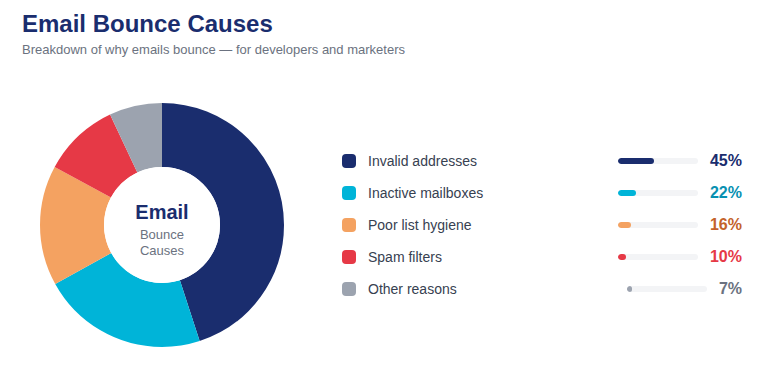
📷 What each verification method catches: accuracy coverage chart across all five verification layers
The Real Cost of Manual Verification
Manual verification feels "free" because the cost is time rather than direct spend. But time has a cost too — and the math is unfavorable at any meaningful list size.
Consider a team spending 2 hours manually cleaning a list of 5,000 addresses using visual inspection and domain lookups. At $50/hour fully-loaded cost for a marketing coordinator, that's $100 in labor — and the result still misses every non-existent mailbox and every disposable address that doesn't happen to use a recognizable provider domain.
The same 5,000 addresses through PilotVerify: $25 at the Starter tier ($5.00 per 1,000), processing completes in minutes, and every mailbox-level invalid and every disposable address is caught — not just the obvious ones.
The manual approach costs more, takes longer, and produces an inferior result. The only scenario where manual verification makes economic sense is for genuinely tiny, one-off lists where the time and accuracy differential doesn't matter. For anything else — any ongoing list, any list of meaningful size, any list feeding a real email program — an email verifier API is the only rational choice.
How to Integrate the PilotVerify Email Verifier API in Under 30 Minutes
The barrier to integration is lower than most teams expect. Here is a complete working integration for a PHP backend — a language commonly used in legacy systems where email hygiene has often been neglected:
<?php
// PHP — Email verifier API integration for form validation
function verifyEmail(string $email): array {
    $apiKey = getenv('PILOTVERIFY_API_KEY');
    $endpoint = 'https://pilotverify.net/api/validate';

    $payload = json_encode([
        'email' => $email,
        'skipSMTP' => false
    ]);

    $ch = curl_init($endpoint);
    curl_setopt_array($ch, [
        CURLOPT_RETURNTRANSFER => true,
        CURLOPT_POST => true,
        CURLOPT_POSTFIELDS => $payload,
        CURLOPT_HTTPHEADER => [
            'Content-Type: application/json',
            'x-api-key: ' . $apiKey
        ]
    ]);

    $response = curl_exec($ch);
    curl_close($ch);

    return json_decode($response, true);
}

// Usage in a form handler
$email = $_POST['email'] ?? '';
$result = verifyEmail($email);

if ($result['result']['status'] === 'INVALID') {
    http_response_code(400);
    echo json_encode(['error' => 'Please enter a valid email address.']);
    exit;
}

if ($result['result']['isDisposable']) {
    http_response_code(400);
    echo json_encode(['error' => 'Disposable email addresses are not accepted.']);
    exit;
}

// Valid — proceed with signup
saveUserToDatabase($email);
echo json_encode(['success' => true]);
For Ruby, Go, or any other language, the integration pattern is identical: POST request to https://pilotverify.net/api/validate with Content-Type: application/json and x-api-key headers. Full documentation at docs.pilotverify.net.
💡 Developer Tip: Store the full API result object alongside the user record at creation time — not just the email address. This gives you segmentation data (disposable flag, catch-all flag, SMTP result) for free without re-calling the API later.
When to Use Bulk Verification vs. Real-Time API Calls
Both modes use the same underlying verification engine. The right choice depends on your use case:
Use real-time single-address verification (API call) when:
· Validating email at a signup form, checkout, or any capture point where you need an instant response
· Validating individual addresses programmatically during data processing
· Building a validation step into an API or webhook handler
Use bulk verification (batch API or CSV upload) when:
· Cleaning an existing list before a campaign send
· Validating a large import from a CRM, trade show export, or third-party data source
· Running a full-list hygiene audit on a schedule
· Processing a list too large for real-time individual calls
The batch API endpoint accepts up to 1,000 addresses per request. For lists over 1,000, chunk into batches of 1,000 or use the CSV bulk upload in the PilotVerify dashboard — which has no practical size limit.
Frequently Asked Questions (FAQ)
Q: Can I use an email verifier API to check addresses I've already sent to?
A: Yes, but this is retroactive rather than preventive. The better use is pre-send validation — run your list through the API before sending, not after. If you've already sent and had bounces, use the API to clean your remaining list before the next campaign.
Q: Is an email verifier API accurate enough to trust for production use?
A: PilotVerify validates with 99.6% accuracy. No verification system — manual or automated — achieves 100% accuracy because some mail servers are configured to obscure mailbox existence. But 99.6% accuracy from an API is orders of magnitude better than any manual method, which cannot perform SMTP-level verification at all.
Q: What's the difference between an email verifier API and an email validation library?
A: A client-side validation library (installed as a package in your application) typically performs syntax and basic domain checks only — it cannot perform SMTP mailbox verification because that requires outbound server connections with maintained IP reputation. An email verifier API runs on maintained infrastructure with the IP reputation necessary for reliable SMTP probing, and you access it via HTTP call rather than installing a local package.
Q: How do I handle the case where the API returns RISKY instead of VALID or INVALID?
A: Read the reason field and apply appropriate logic. Disposable → block for marketing. Catch-all → accept but flag for suppression from high-stakes sends. Role-based → accept but exclude from marketing segments. RISKY is not a binary — the reason code tells you what kind of risk it is and how to handle it.
Q: Can I use the API for GDPR-covered EU email addresses?
A: PilotVerify auto-purges email addresses after 90 days and does not sell or share data. For EU data, confirm whether your use case requires a Data Processing Agreement (DPA) and consult your legal counsel. The 90-day retention policy and encryption at rest are the key data handling facts to evaluate.
The Answer Is Clear
Manual email verification is not a viable alternative to an email verifier API — it's a workaround that doesn't scale, misses the most important verification checks, and costs more in time than the API costs in money. For any email program of meaningful size, the question is not whether to use an email verifier API. It's which one to use and how to integrate it into your workflow correctly.
PilotVerify gives you the complete verification stack — syntax, MX/DNS, disposable detection, SMTP mailbox verification, and catch-all detection — via a simple API that integrates in under 30 minutes, returns results in under 100ms, and costs as little as $0.60 per 1,000 verifications at scale.
Try PilotVerify Free — Start verifying the right way at pilotverify.net